

native.clarification_mode controls how many questions are raised in each round; Both modes use the same formal product and both need to complete the requirement confirmation before entering the Build.
The new project uses Batch by default. When the requirements are still changing rapidly or one answer may rewrite the subsequent questions, you can switch to Sequential.
The criteria for user selection points and the rules for source document coverage can be found in Which decisions Need Your confirmation
Sequential and Batch
Set the clarification mode in.comet/config.yaml:
Switching modes only affects the pace of the next round of questions. The
[blocking] questions that have been saved in brief.md remain valid. Unanswered questions are still awaiting your decision.
Problems arise from the decision tree
Native will establish a decision tree during the working process. Each node records a user decision, the upstream decision it depends on, the fact that needs to be investigated, and the current status. The decision tree remains in the working process of the Agent, and the Runtime only saves the actual unsolved problems. When a question meets the following conditions, it enters the set of answerable questions for this round:- The decision of the upstream user has been determined.
- The facts of the warehouse or environment required for the answer have been clarified.
- It does not rely on other unanswered questions in this round.
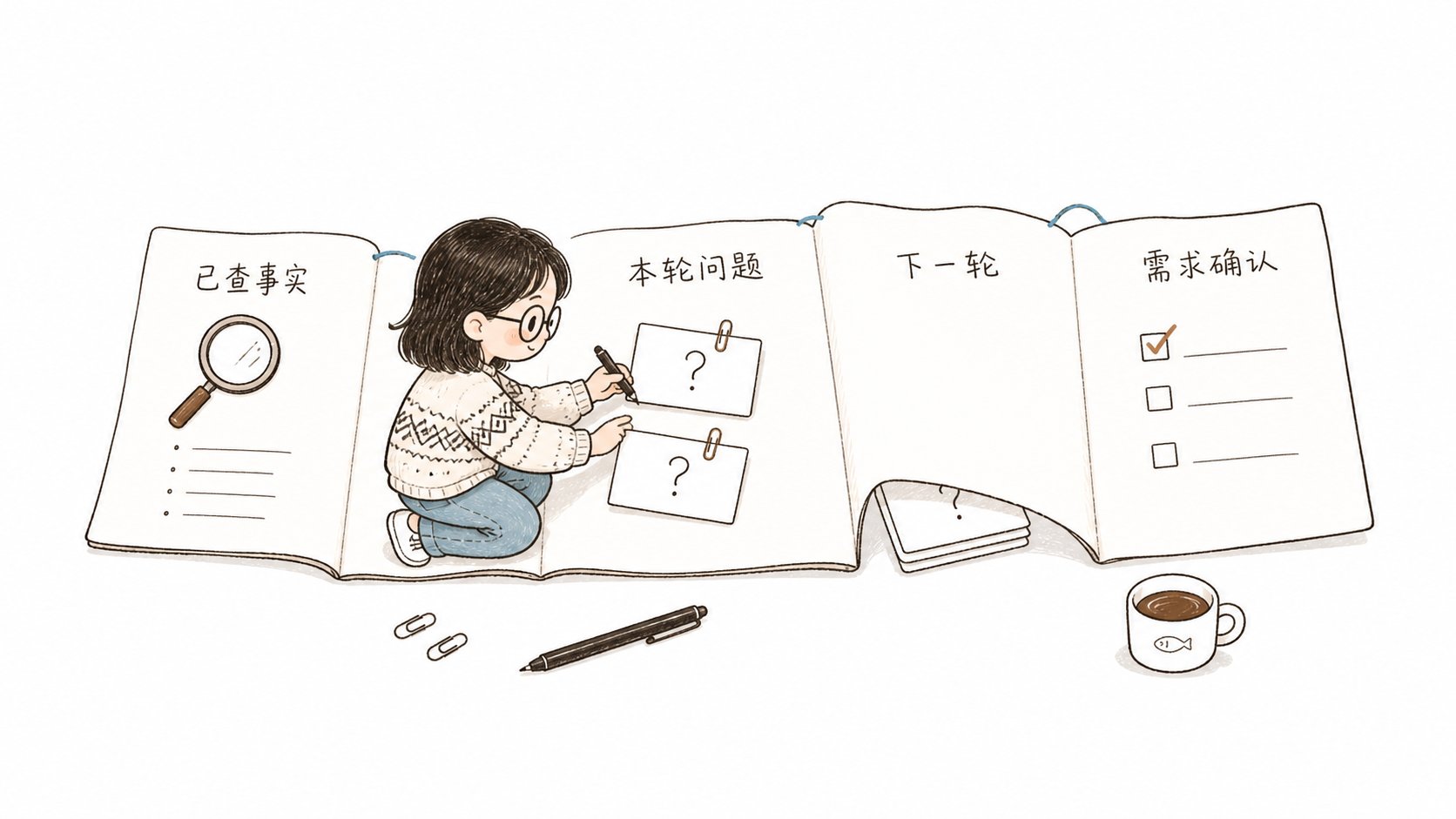
Each question explains the actual impact
Native converts ambiguous expressions into executable behaviors, such as “Input → output” or “trigger condition → processing result”. Each question consists of three parts:- ** Question ** : The visible user behavior that needs to be determined currently;
- ** Recommendation ** : Suggestions given in combination with existing goals, constraints and trade-offs;
- ** Impact ** : How each option will change the range, outcome or risk.
The answer will be immediately written into the official product
The dialogue content is only responsible for interaction, while the disk product is responsible for recovery. Upon receiving the answer, Native will immediately update the Decisions ofbrief.md, the complete target Spec and the corresponding acceptance items. Ambiguous, omitted or still subject to decision contents remain in the Open questions.
Sequential saves the current issue:
Confirm the requirements before entering the Build
After all the issues have been resolved, Native will recheck the facts, decisions, default behaviors, boundaries, failure paths, and implicit assumptions, and present you with the final requirements summary. Abstract coverage- Objectives and Scope;
- Key decision;
- Acceptance item;
- Non-target.
[blocking] question in brief.md. Native asks the Runtime to persist the Shape confirmation boundary and returns await-user; the Agent presents the complete summary and waits for your explicit confirmation.
Only after you confirm will Native enter Build through the current continue command with --confirmed. The Runtime applies the same check to Sequential and Batch. When the final requirements confirmation is missing, the change remains in Shape. If you add to or revise the summary, the previous confirmation becomes invalid and Native prepares it again.
Continue clarification across sessions
When opening a project again or continuing a change, Native will automatically read.comet/config.yaml and brief.md, restoring the current clarification mode, confirmed decisions, and questions still awaiting answers. You just need to continue explaining your choice, and the recovery process will be handled by Native.
If you want to view the current record, you can run:
brief.md, write them back to the official product, and then calculate the next round. Modifying the clarification mode in the middle will only change the rhythm of subsequent questions, while the current blocking item and its number remain unchanged.
Continue reading: User Selection Points and Requirements Clarification Protocol , Native Configuration and Recovery and Troubleshooting