

Three types of information, three processing methods
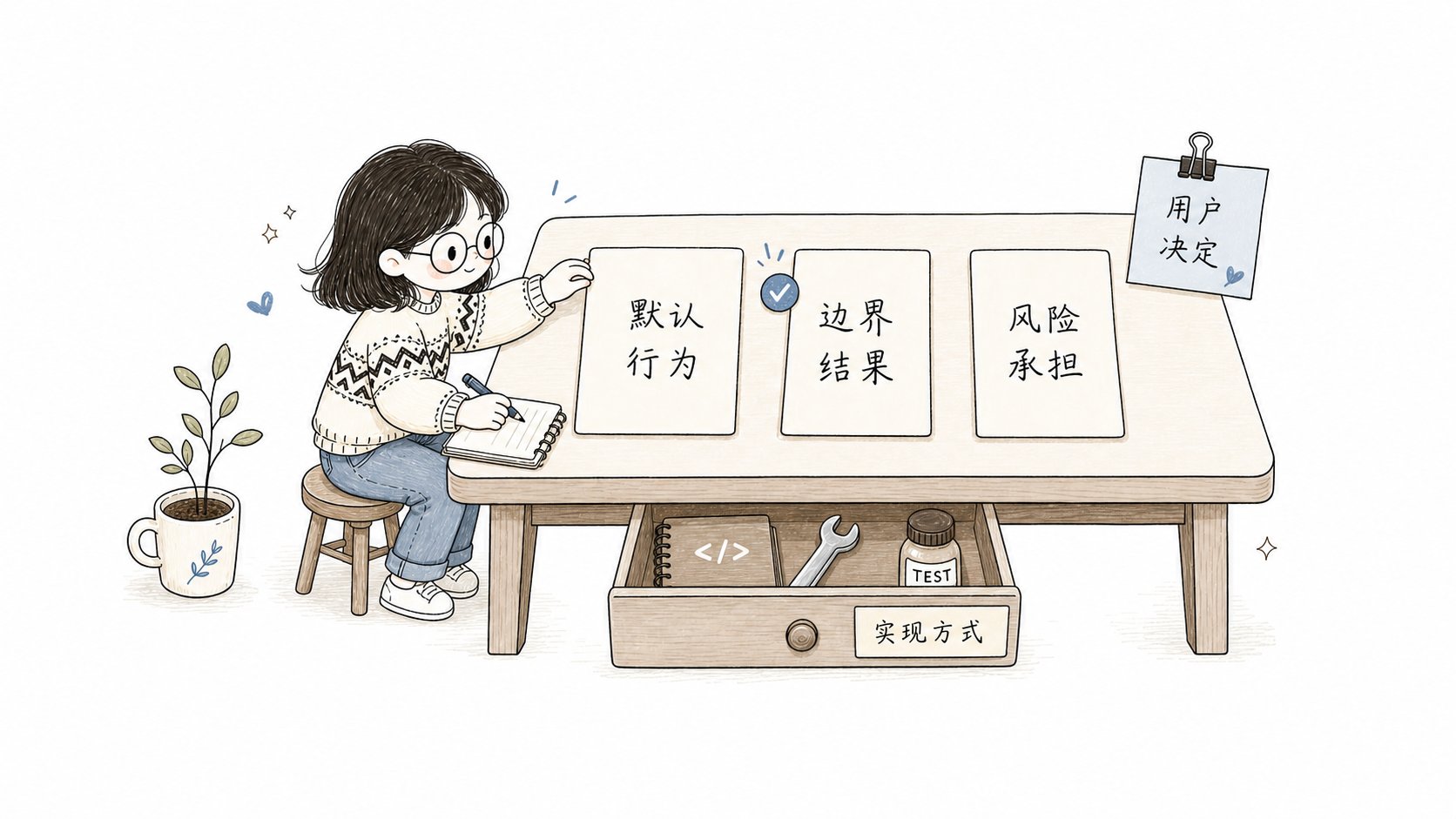
Shape will first determine who is responsible for each piece of information:
A problem becomes a user selection point only when it meets all three conditions:
- There are two or more reasonable and executable options;
- Different options would change user-visible results, default behavior, failure outcomes, scope, risk, or irreversible impact;
- Your requirements, the formal Spec, project documents, and project rules do not answer it.
When providing PRD, files or links directly
When files, attachments, links or local paths constitute the source of requirements, Native reads the complete content and establishes source overriding:- Record source units by title, paragraph, list, table, code block, example, constraint, link and boundary;
- Mark each source unit as
complete(read in full and categorized),partial(only partially read), orunavailable(cannot be read by the current platform or permissions); - Map the content to be implemented to the complete target Spec and associate it with at least one acceptance ID;
- Categorize the background, non-target and content that has been replaced by new requirements respectively and explain the reasons.
- Retain the content that cannot be read, is only partially read, lacks mapping or still has ambiguity as
[blocking].
brief.md. Very long documents are read in multiple passes, but every piece that is read is registered as a source unit, so nothing is missed due to chunking. Native also generates a requirements summary to help you grasp the background quickly, but a summary may omit details, so the item-by-item mapping is authoritative for completeness: every source unit is mapped to the Spec and to at least one acceptance ID.
Materials you provide that are clearly meant for troubleshooting, forensics, review, or implementation reference are handled according to their original purpose and are not treated as requirements; when the purpose is unclear, Native first asks you whether to treat them as a requirements source.
How clarification questions are raised
Native will first investigate the facts and then organize the issues based on the dependencies among the decisions. Each question explains the recommended plan and the actual impact of each option.native.clarification_mode decides whether to raise one question in each round or to raise all the questions that have been prepared for this round in a concentrated manner.
The complete rules for Sequential, Batch, issue number, and cross-session recovery can be found in Sequential and Batch Clarification
Final confirmation and entering Build
After all user selection processing is completed, Native will summarize the goals, scope, key decisions, acceptance items, and non-goals, and ask you to confirm a complete understanding. The Runtime only allows change to enter the Build from Shape after receiving a clear confirmation. Sequential and Batch use the same confirmation access control. For large-scale requirements, it will also be checked whether it is suitable to be split into Supervisor Changes. When multiple results can be independently implemented and verified, and there are clear dependencies or parallel values, Native will provide splitting suggestions for you to confirm the sub-tasks and advancement methods.The requirements change after the Build
- ** Implementation omission, requirements remain unchanged ** : Return to Build to fix.
- ** Changes in user-visible behavior or acceptance criteria ** : Return the Shape, update the formal requirements and reconfirm.
- ** The new requirement is irrelevant to the current demand ** : Create another change for it to keep the current range stable.