

Comet CLI commands support structured JSON output and non-interactive mode for automation. In CI/CD, use them for install integrity checks, change status reports, and pre-merge state gates without involving an agent platform.

Automation-friendly scenarios
ScenarioCommandNotes
CI initializationcomet init --yes --jsonNon-interactive install; skips interactive CodeGraph setup.
Install health gatecomet doctor --jsonChecks Skills, scripts, working directories, and change state.
Change phase reportcomet status --jsonReports active change phase, progress, and next step.
PR checkcomet doctor --jsonBlocks damaged state from entering main.

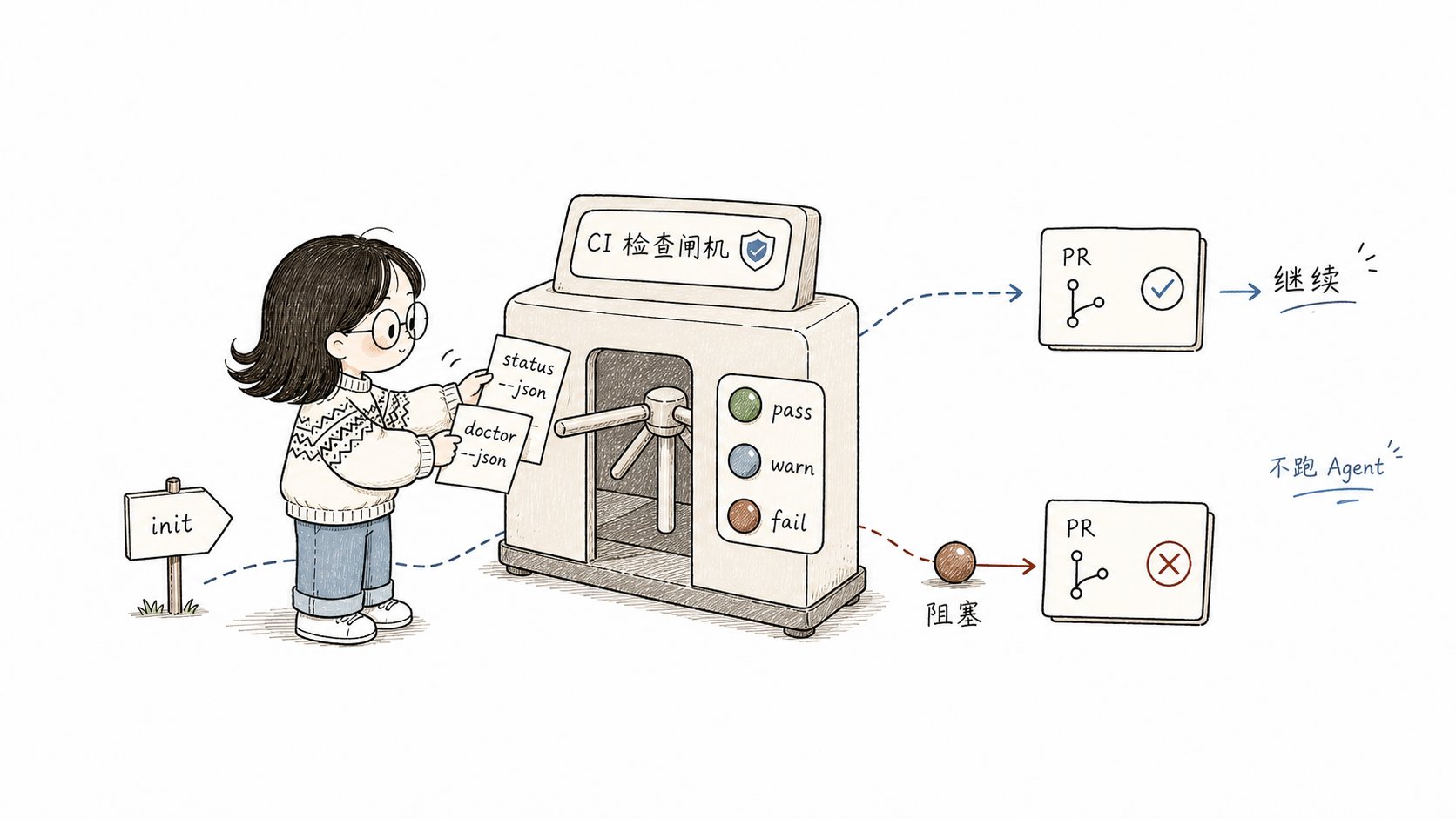
Xiaoyu feeds status and doctor JSON tickets into a CI gate that passes or blocks a pull request

CI should run install and state gates. Do not put agent-dependent or human-decision workflows into the pipeline.

comet doctor —json

comet doctor checks project/global installation, platform Skill integrity, scripts, working directories, and active change state.
{
  "scope": "auto",
  "results": [
    { "check": "Comet CLI", "status": "pass", "message": "installed" },
    { "check": "openspec CLI", "status": "warn", "message": "not installed" },
    { "check": ".comet.yaml: add-login", "status": "pass", "message": "valid" }
  ]
}
statusMeaningCI behavior
passCheck passedContinue
warnNon-blocking issueContinue or warn
failBlocking issueStop

Use doctor as a CI gate

RESULT=$(comet doctor --json)
echo "$RESULT" | jq -r '.results[] | select(.status == "fail") | .check + ": " + .message'
if echo "$RESULT" | jq -e '.results[] | select(.status == "fail")' > /dev/null; then
  echo "Comet doctor reported failures — blocking CI"
  exit 1
fi

comet status —json

comet status --json returns active changes with fields such as phase, nextCommand, tasksCompleted, tasksTotal, verifyResult, and runtimeEval. Use it for reports:
comet status --json | jq -r '.[] | "\(.name): phase=\(.phase) tasks=\(.tasksCompleted)/\(.tasksTotal) next=\(.nextCommand)"'

CI initialization

comet init --yes --scope project --language zh --json
--yes chooses safe defaults, and --json suppresses interactive output. A typical GitHub Actions sequence is:
- name: Install Comet
  run: npm install -g @rpamis/comet

- name: Init project
  run: comet init --yes --scope project --language zh --json

- name: Verify install health
  run: |
    comet doctor --json > doctor-report.json
    if jq -e '.results[] | select(.status == "fail")' doctor-report.json > /dev/null; then
      cat doctor-report.json
      exit 1
    fi

- name: Report change status
  run: comet status --json || true

What not to run in CI

OperationWhy not
/comet, /comet-open, and other SkillsRequire an agent platform.
comet eval ... --htmlRuns real model tasks and consumes time/tokens.
comet publish approveRequires human review.

FAQ

There are no active changes, or the change lacks .comet.yaml and was skipped. Use /comet in an agent platform to bring it under Comet state.
Usually no. warn often means optional tooling is absent. fail is the blocking status.
Yes. The JSON shape for status and doctor is part of the CLI contract.

Next steps

Last modified on July 1, 2026