

/comet can rebuild state from files.
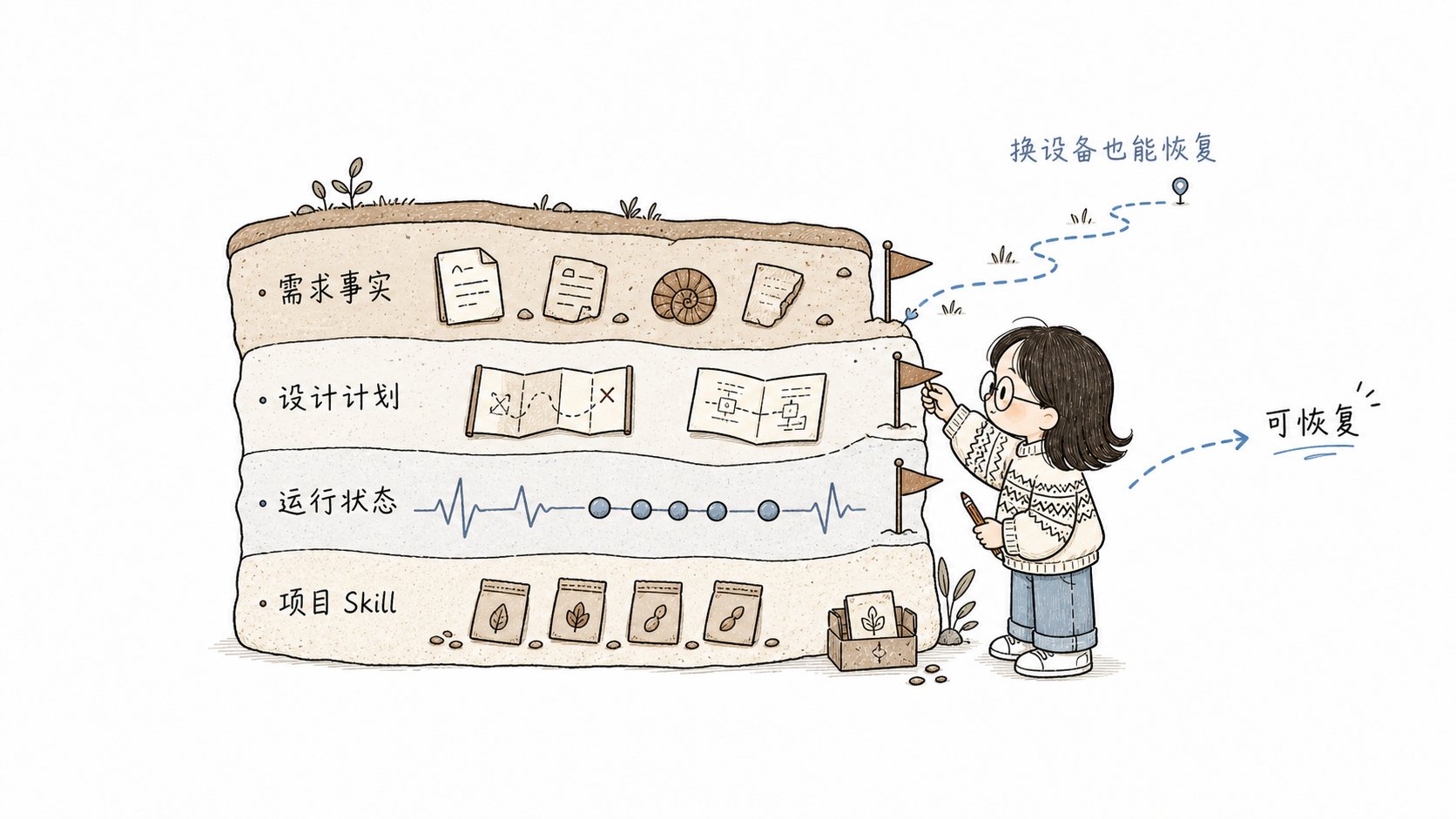
Comet splits recoverable facts across repository files so work can resume across devices and sessions.
This page focuses on the Classic directory structure. Native keeps user-readable artifacts and
device-local execution state separately; see Artifacts and state
for its directory structure.
Classic workflow directories
New Classic and dual-workflow projects use the documentation layout by default:classic.artifact_layout accepts docs or legacy. docs maps to docs/openspec/, while legacy maps to root-level openspec/. These are the two supported layouts; the field does not accept an arbitrary path.
openspec/. To migrate from the legacy layout to docs/openspec/, see Migrate Classic layout.
Runtime artifacts inside a change
Project-level .comet directory
/comet-any will not have bundle directories.
Responsibilities
What to commit
- Commit: the Classic artifact root (
docs/openspec/for new projects oropenspec/for retained legacy layouts),docs/superpowers/,.comet/config.yaml, and.comet/skill-preferences.yaml. These files are the basis for cross-device recovery and must be committed before you can restore work on a new device. See Artifacts and state for Native artifact commit guidance. - Maybe commit:
.comet/skills/,.comet/bundles/if the team shares them. - Usually ignore:
.comet/tmp/and temporary runtime files.
The boundary between
.comet.yaml and run-state.json is important:
.comet.yaml stores the user-understandable workflow projection such as
phase, build_mode, and verify_result, and links to Engine through
run_id. Full Run details live in run-state.json. The append-only event log
explains successful state transitions; it is not the current state source. Read
.comet.yaml for current progress and the event log when you need to understand why it
changed.